Product update · Oct 22, 2026
Vibe coding with Wodby Agent: build an app you own
Describe it. Build it. Own it.
Tell Wodby Agent what website or app you want to build. It helps select a suitable stack, creates a private repository through your Git integration, and works with you on the code, preview, and release. Your application starts in your Git account, and you can run it on infrastructure you control.
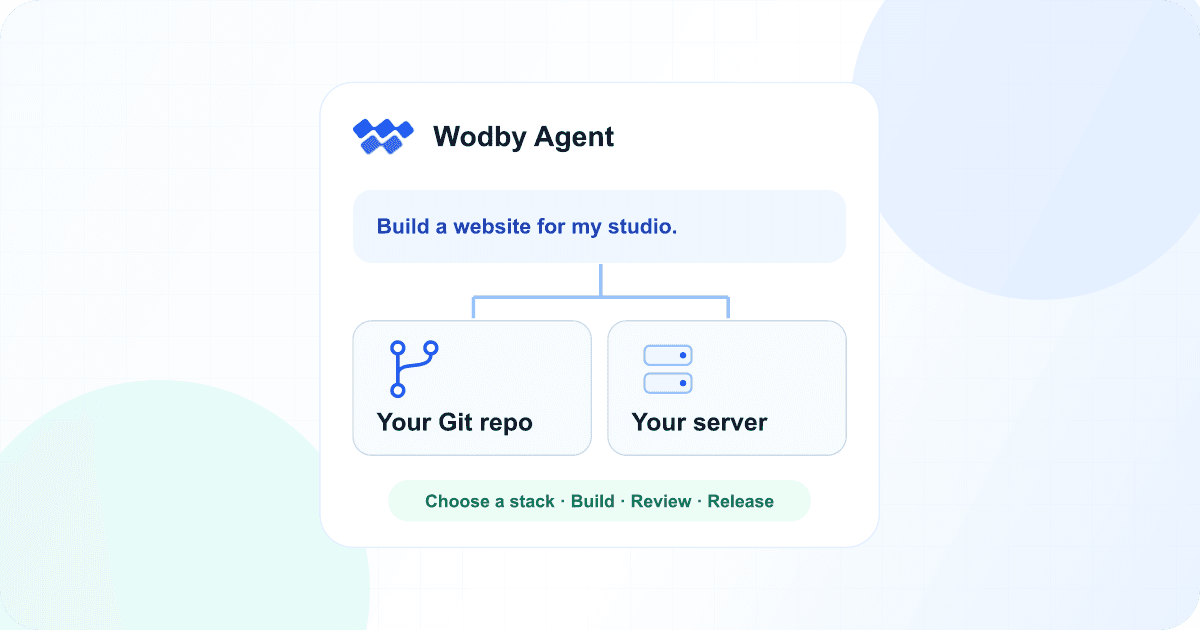
Start with the idea
Vibe coding starts with describing what you want to make and refining it through conversation. With Wodby Agent, that conversation connects to a development environment, your source repository, and the tools to release the app.
Open an organization chat in the Wodby dashboard and describe who the app is for and what it should do. A studio website, a customer portal, or a small API is a good starting point. For example:
Build a website for my design studio with a portfolio, an about page, and a booking request form. Recommend a suitable stack, create a private repository through my Git integration, and help me build, preview, and release it. Confirm the stack, repository, and hosting with me before creating resources.You can name a framework you already like, or explain the outcome and let the agent recommend a foundation.
Choose a stack that fits the app
Wodby Agent looks at the available stacks and recommends one that supports the application and development workspaces. It can ask about the choices that matter: whether you prefer a language or framework, need to store data, or expect background jobs, search, or email.
For the studio website, the first decision is what the site needs to do and how its content will be maintained. The agent recommends a stack and starter project for that brief. You confirm the choice before it creates the app. The foundation comes from Wodby’s application stacks or your organization’s own catalog.
Put the code in your own Git account
Choose a connected GitHub, GitLab, or Bitbucket integration. Wodby copies the starter project into a new private repository in the account or organization that integration belongs to. The integration needs permission to create repositories, push changes, and open pull requests for the full workflow.
The repository is yours from the start. Clone it, inspect the source, bring in another developer, or work on it with your own editor. The application code stays in your Git account as the agent builds on it.
Build and preview in a running workspace
Once the app and its development workspace are ready, continue in the workspace chat. Wodby Agent has the checkout, a shell, and the app’s running services. It can write code, run commands and tests, and help you check the result through the app’s preview endpoints.
Try the portfolio pages and booking form, then ask for the next change. Review the edited files in the workspace’s Status view, or connect your editor over SSH to the same checkout. You can keep working with the agent and your own tools as the app takes shape.
Review, merge, and release
When you are happy with the preview, ask the agent to open a pull request from the workspace branch. Review the code and merge it, then ask Wodby Agent to prepare a production environment that builds from your app’s repository. It follows the build and deployment so you can check the released application.
The workspace remains your place to develop. Production runs from the reviewed Git source, and future changes can follow the same preview, review, and release workflow.
Keep control of the server, too
Your source code. Your repository. Your application. Your server.
Ownership can include the infrastructure running your app. Deploy on Kubernetes in your own cloud account, or on a dedicated server or VM you control. You retain infrastructure ownership while Wodby provides the tools to deploy and manage the application.
Prefer hosted infrastructure? Choose Wodby Cloud. Wodby hosts the infrastructure, and your application source stays in your Git repository. Pick the hosting model that fits the control and operational responsibility you want.
Bring an idea to Wodby Agent
You need Wodby Agent enabled on your installation, available AI credits in your organization, and a Git integration with the required access. The agent helps you choose a compatible stack and a cluster for the app, and confirms the resources before creating them. Built-in chats use your organization’s AI credits; workspace compute, storage, and hosting are billed separately. See pricing for plans and usage details.
Start with a brief, follow the workspace chat, and shape the first version into an app you want to release. The vibe coding solution walks through the flow, and the Wodby Agent feature page covers built-in coding and operations.