Maintained stacks
Each app runs on a stack whose services Wodby maintains and updates: the runtime, the database, the cache, and the rest.
Application hosting
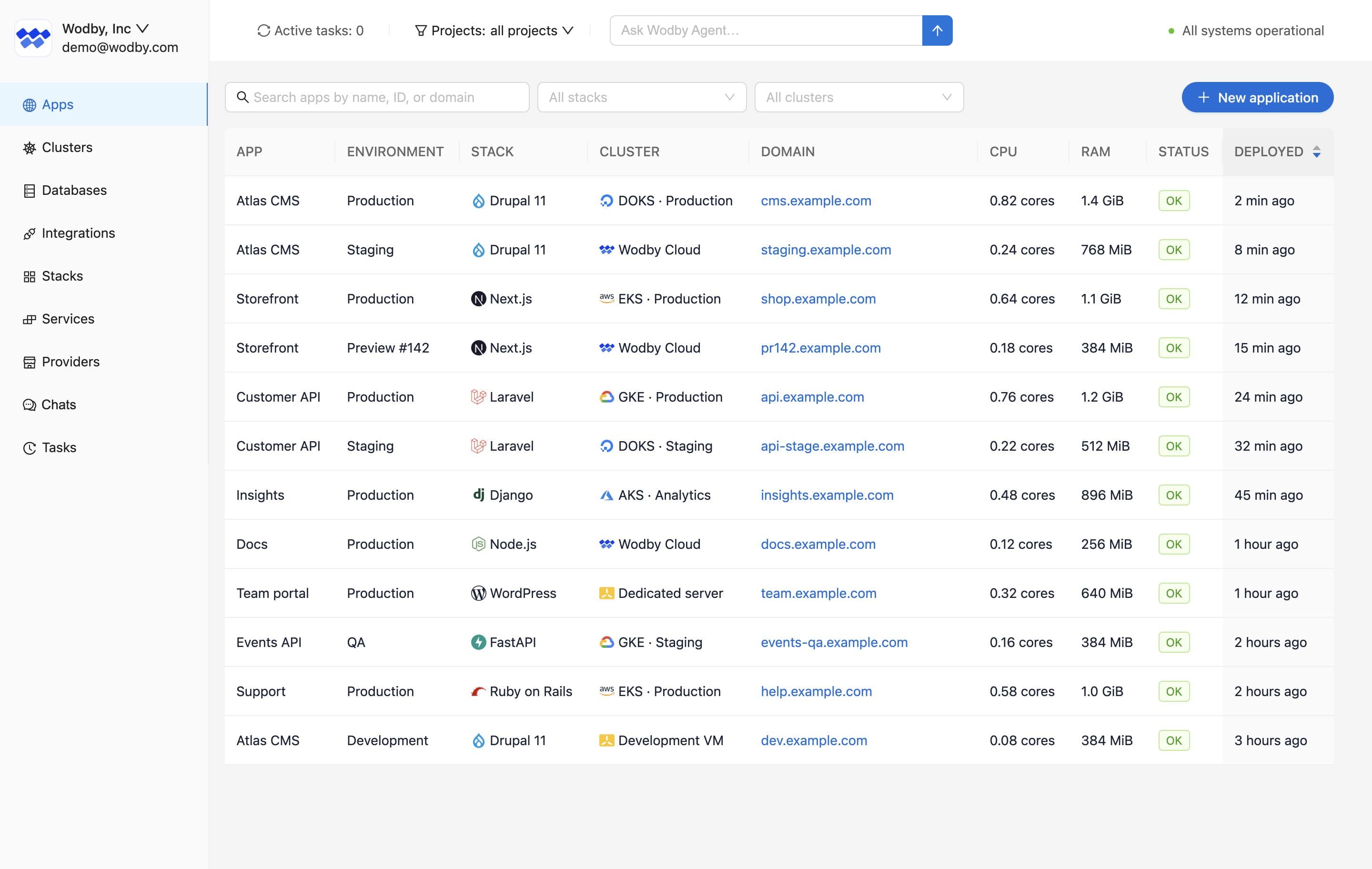
Wodby runs your app on a Kubernetes cluster: one that Wodby hosts, one in your own cloud account, or one on your own server. Wodby maintains the cluster in all three, and stacks and deployments work the same way.
Hosting models
An app is created from a stack and has one or more environments. Each environment runs on a cluster you choose, and it can be moved to another cluster later.
Wodby creates the cluster and operates it. You need no cloud account and no server.
Read more
Connect a cloud account and Wodby creates the cluster in it. The cluster and its bill stay with you.
Read more
Wodby installs Kubernetes on a server you rent. Start with one server and add worker nodes when you need more capacity.
Read more
Stack hosting
Each page says how that application runs on Wodby in production: its services, what Wodby configures, and what you set yourself.
View hosting page
View hosting page
View hosting page
View hosting page
View hosting page
View hosting page
View hosting page
View hosting page
View hosting page
View hosting page
View hosting page
View hosting page
View hosting page
Each app runs on a stack whose services Wodby maintains and updates: the runtime, the database, the cache, and the rest.
Wodby CI builds and deploys each push. Every deployment is recorded, and an earlier build can be redeployed.
Technical domains with certificates, custom domains, and backups and imports of databases and files.
Follow the logs of a service, see its CPU and memory, and open a shell in a running container.
Recommended starting point
A free demo cluster lets you try it. An app environment can be moved to a cluster of your own later, together with its supported persistent data.