Product update · Oct 19, 2026
Introducing dev workspaces for AI agents
Give your coding agent a running application
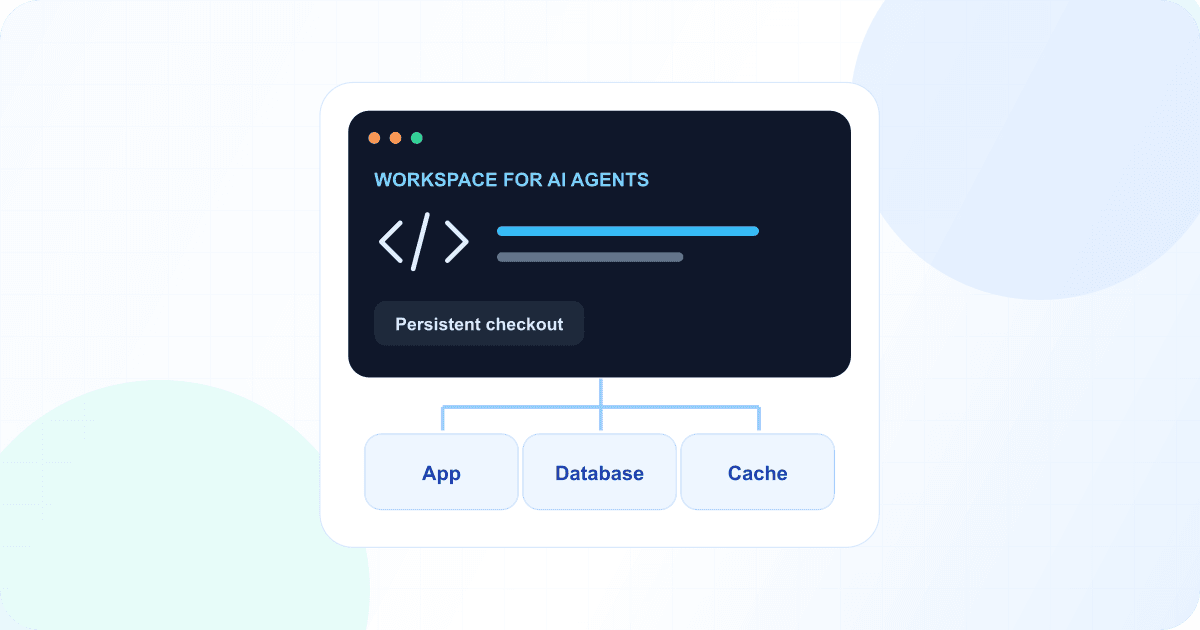
Dev workspaces give AI agents a persistent code checkout and the running services they need to test changes. Use Codex or Claude Code over SSH with your own account, or open Wodby Agent in the dashboard. Your editor connects to the same workspace, so you can review the code and preview the result before releasing it.
A new deployment mode in the dashboard
When you create an app or add an environment, you’ll now see a Deployment mode choice. Choose Development workspace to work on a live checkout, or keep CI/CD for your usual build and release workflow. Pick a compatible stack and Git source, then finish creating the environment as usual. If the selected services or cluster do not support workspaces, the dashboard explains why the option is unavailable.
Your new environment has a Workspace tab in its header. Once setup is complete, open Chats to work with Wodby Agent, or Connect for the SSH details to use your own editor or coding agent.
As you work, Status shows your branch and changed files, while Operations holds setup progress and restart controls. Open the app’s endpoints to see the result. The checkout, running services, and tools for reviewing changes are all part of the same environment.
From setup to a reviewed change
Choose a development workspace
Select Development workspace in the app settings step when creating an environment. Your checkout and supporting services run together.
Make a change in your running application
Install the Drupal Redis module with Composer and enable it with Drush. Check whether the PHP Redis extension and a Redis-compatible service are available. Leave the changes uncommitted for review.
Open Chats in a Drupal workspace and ask Wodby Agent to install a module. It can check the running services, edit the checkout, and run Composer and Drush.
Inspect the files in your shared checkout
Review the uncommitted changes in this workspace. Explain what each file changes and which checks I should run before committing. Do not modify, commit, or push anything.
Open Status and select a changed file to view its diff. You can review edits made by an agent or through your SSH editor in the same place.
Less local setup, more time on the application
Getting a project running on a new laptop can mean rebuilding the same runtime, database, cache, and configuration again. A dev workspace gives you a place to work against a Wodby stack on Kubernetes. The application uses a persistent checkout, so you can change source files without building a new container image for every edit.
The workspace runs the selected runtime and supporting services together. Open the app’s endpoints to check your work. How an edit appears depends on the service: it may reload automatically, or it may need a restart.
Use your editor, terminal, or an agent
Connect over SSH using the details in the dashboard and a key registered to your Wodby account. Bring an SSH-capable editor or work directly in the terminal. Code and your private home directory persist across normal restarts and pauses, so you can return to the same checkout and tools.
You can also use Wodby Agent in the workspace’s Chats tab. Ask it to explain the code, implement a change, or run tests, then inspect the result yourself. If you prefer your own coding agent, connect over SSH and sign in with that agent’s account.
Keep review and release in Git
A workspace is a place to develop and preview. When your change is ready, commit and push it, review it with your team, and use your normal CI/CD pipeline to release to a standard staging or production environment.
Upstream changes arrive when you request them. The dashboard pull action only fast-forwards and refuses to overwrite tracked edits or diverging commits, helping you keep control of work in progress.
Start with a compatible stack
Workspace support comes from the services in your stack. The stack’s page highlights its code mounts, preparation steps, and reload behavior where supported. Choose workspace mode when creating a new environment; an existing CI/CD environment cannot be converted in place.
Workspaces are designed for development. Code services run with one replica and no autoscaling, and scheduled jobs stay disabled. Access to the checkout and SSH is limited to the workspace owner. The extra runner counts as an app service, and persistent storage remains billable when the environment is paused.