Product update
Pause app environments in Wodby
Wodby app environments can now be paused. Stop an idle environment, release its workload compute, and keep its configuration and persistent data ready for the next time you need it.
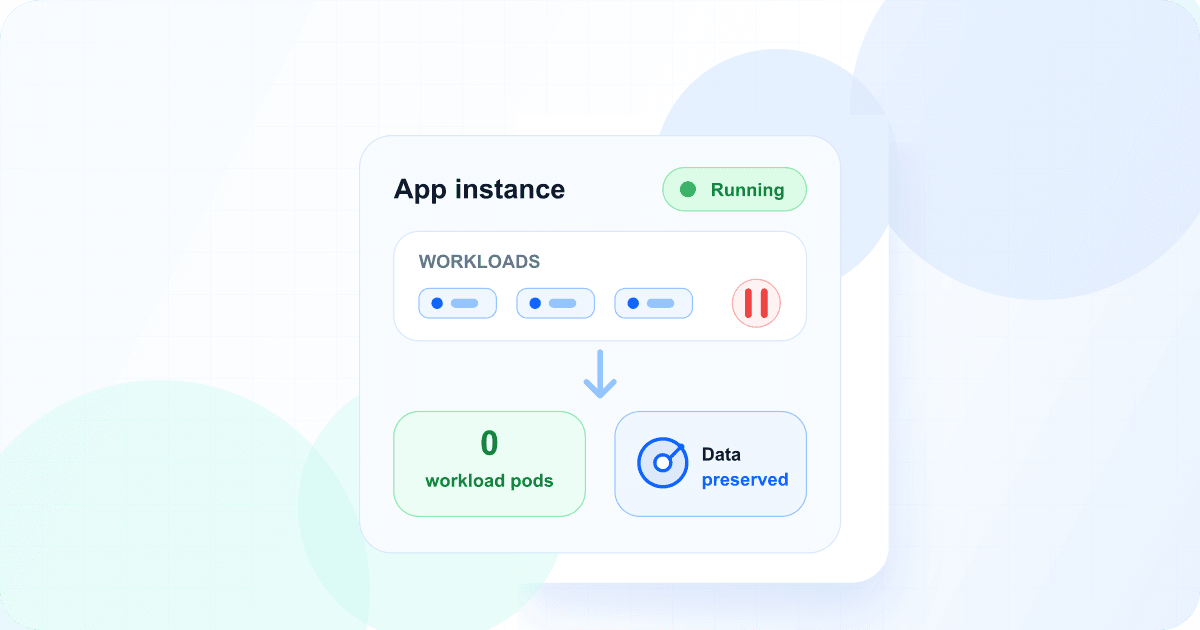
Development, staging, preview, and seasonal environments are often useful in bursts. Until now, keeping one available meant keeping its application workloads running, while deleting it also removed the environment you wanted to use again.
Pausing adds a middle state. Wodby stops the running Kubernetes workloads and makes the endpoints unavailable, but leaves the app environment itself intact. A pause has no automatic expiration, so the environment can stay dormant until you explicitly resume it.
What happens when an app environment pauses
Workload compute is released
Deployments and StatefulSets scale to zero. Scheduled jobs and other active workload resources stop, returning their requested CPU and memory to the cluster.
Configuration and data stay
Routes, configuration, secrets, persistent volumes, and Helm state remain in place, so the app environment can be restored without recreating it.
Plan usage follows verified state
After Kubernetes verifies that the workloads have stopped, the app environment’s enabled services no longer count toward app-service plan usage.
Before scaling down, Wodby cancels and drains active app environment work. Kubernetes Deployments and StatefulSets are scaled to zero; autoscalers, scheduled jobs, active jobs, and other running workload resources are stopped. The pause is not complete until Wodby verifies that the namespace no longer contains active workload state.
Pause is not delete
Persistent volumes and their data remain provisioned. Routes, environment configuration, secrets, and Helm releases remain associated with the app environment. Endpoints do not respond while the workloads are stopped.
App-service usage stops after verification
An app environment continues to count toward app-service plan usage while it is Pausing. Once Kubernetes verification succeeds and the app environment becomes Paused, its enabled app services no longer count toward that usage.
Resuming follows the safe order in reverse: the services count toward plan usage again before workloads start. The Team plan’s $48 monthly minimum remains in effect; pausing reduces app-service usage, not the subscription minimum.
Wodby Cloud infrastructure is billed separately. Persistent storage remains provisioned, and pausing an app environment does not itself stop or resize its Kubernetes cluster. Releasing workload capacity can allow a scalable cluster to reduce its node count. For clusters in your own cloud account, infrastructure billing remains controlled by your provider.
How to pause an app environment
Open the app environment
Go to Apps, select the app and app environment, then open Settings. Settings opens on Edit by default.
Open Pause & Resume
Open the Pause & Resume subtab and review what will be stopped, preserved, and counted toward plan usage.
Pause the app environment
Confirm Pause app environment and follow the task while Wodby drains active work, stops workloads, and verifies Kubernetes.
Resume when needed
Return to Pause & Resume and select Resume app environment. Plan usage is restored before Wodby starts the workloads and endpoints.
Available now on paid plans
With a paid subscription, open an app environment and go to Settings → Pause & Resume to pause it. For the full resource, billing, and recovery behavior, read the app environment documentation.
New to Wodby? Review plans and pricing or explore app environments.