Product update
UpCloud Managed Kubernetes is now on Wodby
Wodby can now create Kubernetes clusters in UpCloud. Add an UpCloud API token, pick a tier and a node count, and Wodby creates the cluster in your UpCloud account, installs its infrastructure, and gets it ready for your app stacks.
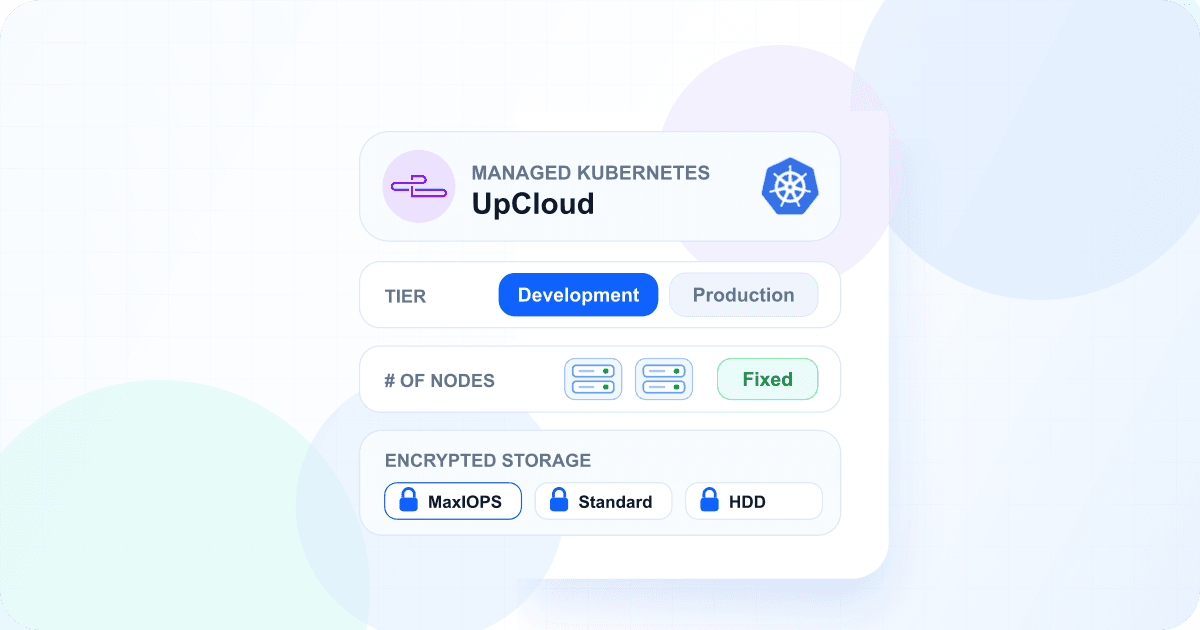
UpCloud Managed Kubernetes joins Amazon Elastic Kubernetes Service (EKS), Azure Kubernetes Service (AKS), DigitalOcean Kubernetes (DOKS), Google Kubernetes Engine (GKE), and OVH Kubernetes Service as a place to run your Wodby apps. The cluster and everything on it stay in your own UpCloud account, and you deploy to it with the same stacks, environments, and CI/CD you use on any other cluster.
Connect with an API token
UpCloud has no sign-in for third-party apps, so the integration uses an API token. Create one in the UpCloud Control Panel under Account → API tokens, leave Allowed IP ranges open, and paste it into a new UpCloud integration in Wodby.
An UpCloud token can manage everything in the account that owns it, and it lasts at most a year. Update the integration with a new token before the old one expires, or Wodby can no longer create, scale, or delete your clusters.
Development or Production
When you create a cluster, you choose a tier: how much of it should be highly available. The tier decides the control plane and the load balancer that brings public traffic to your apps. Single-node clusters use the Development tier.
Development
UpCloud’s free control plane with one API server and its free single-server load balancer. A good fit for development, staging, and small production apps that can live with a short API interruption during UpCloud maintenance.
Production
A highly available control plane with three API servers and a load balancer with two servers, so neither depends on a single machine. UpCloud bills both.
An UpCloud account can have five free load balancers. When they are in use, a new Development cluster gets UpCloud's cheapest paid load balancer instead, and Wodby tells you so in the cluster creation log. You always pay UpCloud for the worker nodes and disks.
What Wodby sets up
Fixed node count
UpCloud does not add or remove nodes on its own, so you choose one node count. Change it later from the cluster’s settings.
Private network
Each cluster gets a private network of its own. Nodes have public addresses, so you can publish ports directly.
Encrypted storage
MaxIOPS, Standard, and HDD storage classes encrypt disks at rest and delete each disk together with its volume.
Wodby installs Envoy Gateway behind the cluster's UpCloud load balancer for your app routes. The load balancer passes each visitor's IP address through to your apps, so your apps and their logs see the real client. Wodby also installs Metrics Server, so the dashboard shows how much CPU and memory your apps use.
Start small with a single node
A single-node cluster needs no load balancer at all: its gateway listens on the node's public IP address. Combined with the free Development control plane, you pay only for one server and its disks, which makes it the cheapest way to run a small app or a staging environment on managed Kubernetes. Single-node clusters can also publish UDP ports, which UpCloud's load balancer can't forward.
Nothing left behind
UpCloud keeps a cluster's load balancers and disks after the cluster is deleted and keeps billing for them. When you delete an UpCloud cluster in Wodby, Wodby removes them too, together with the cluster's private network. If something can't be deleted, the task tells you what to remove in the UpCloud Control Panel.
Kubernetes upgrades and node recycling
Upgrade an UpCloud cluster to the next Kubernetes version from Wodby, or let automatic upgrades do it in your maintenance window once you allow minor versions. UpCloud upgrades the control plane first, then replaces the nodes one by one: each new node joins before an old one is drained. Recycle nodes replaces all nodes without changing the Kubernetes version. On a single-node cluster, both give the cluster a new public IP address.
Get started
Read the UpCloud provider guide for the token setup, the tiers, and storage. See UpCloud Managed Kubernetes on Wodby for the provider at a glance, or compare it with the other providers. Then open Wodby, add an UpCloud integration, and create your first cluster.