Product update
Introducing Single Sign-On for Wodby
Wodby organizations can now add Single Sign-On providers, giving teams a central way to authenticate members through OIDC, SAML 2.0, Google Workspace, or GitHub Organization membership.
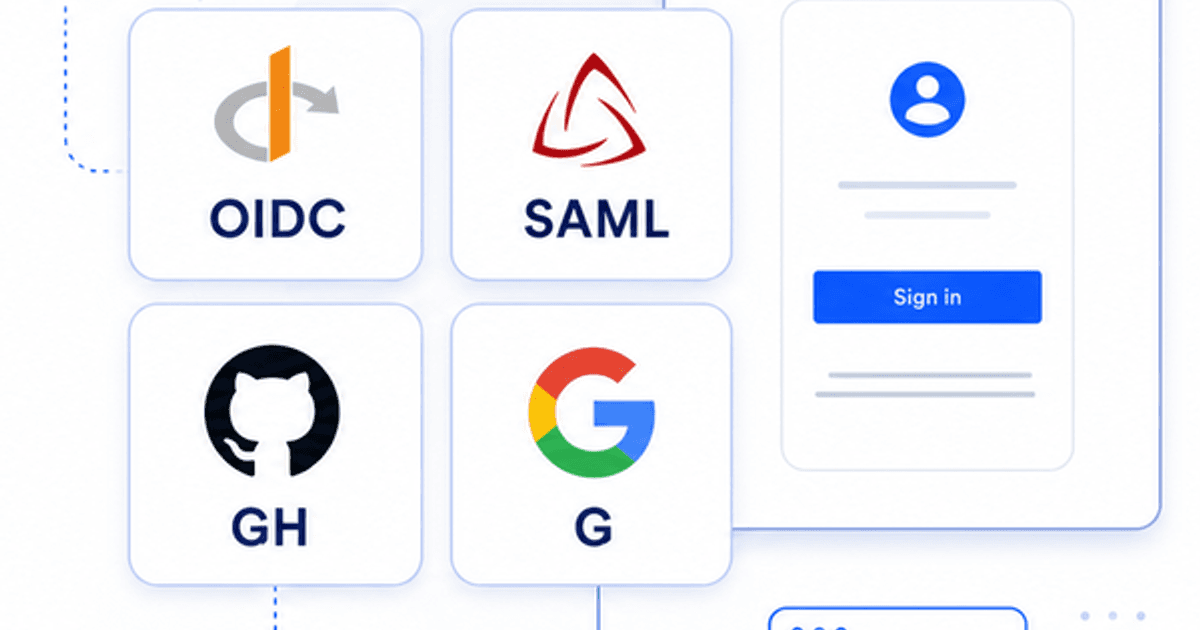
SSO is available from the organization settings in the Wodby dashboard. Add a provider, configure the allowed sign-in domains, verify domain ownership when required, and enable the provider when it is ready. Enabling and using organization SSO requires an active paid subscription. Once enabled, users can choose SSO from the login screen, enter the organization name, and continue with the matching provider.
Supported providers
The first release covers both standards-based enterprise identity providers and common team identity systems:
| Provider | What you configure |
|---|---|
| OIDC | Connect a custom OpenID Connect provider with issuer URL, client ID, and client secret. |
| SAML 2.0 | Use identity provider metadata by URL or XML, with Wodby-provided SP metadata, entity ID, and ACS URL. |
| Google Workspace | Use Google sign-in for Workspace domains and require the hosted domain to match the account email domain. |
| GitHub Organization | Allow members of a GitHub organization to sign in, with optional email domain restrictions. |
Domain verification
For OIDC, SAML 2.0, and Google Workspace providers, add every email domain that should be allowed to use the provider. Wodby creates DNS TXT verification records for those domains and requires them to be verified before the provider can be enabled.
GitHub Organization SSO works a little differently: Wodby checks GitHub organization membership during sign-in. Email domain restrictions are optional for GitHub Organization providers, and if you add them, those domains are verified the same way.
JIT provisioning
Each provider can enable just-in-time provisioning. With JIT enabled, a valid SSO user is created in Wodby when needed and added to the organization as a member. With JIT disabled, users must be invited before they can complete SSO sign-in.
How sign-in is protected
Wodby validates the SSO session state, verifies identity tokens or SAML responses, and requires a verified email from the identity provider. Google Workspace sign-in also checks the hosted domain, while GitHub Organization sign-in checks organization membership and uses the verified primary email from GitHub.
Available on paid plans
Open your organization in the Wodby dashboard and go to SSO to create the first provider. On the free Developer plan, you can configure disabled providers and verify domains. Upgrade to a paid plan to enable providers and use SSO for sign-in. Review the plans and pricing. Existing login methods continue to work; SSO is an additional organization-level sign-in option.
Read the docs
For setup details, provider configuration, domain verification, and JIT provisioning, see the SSO documentation.