Product update
Preview environments for every pull request
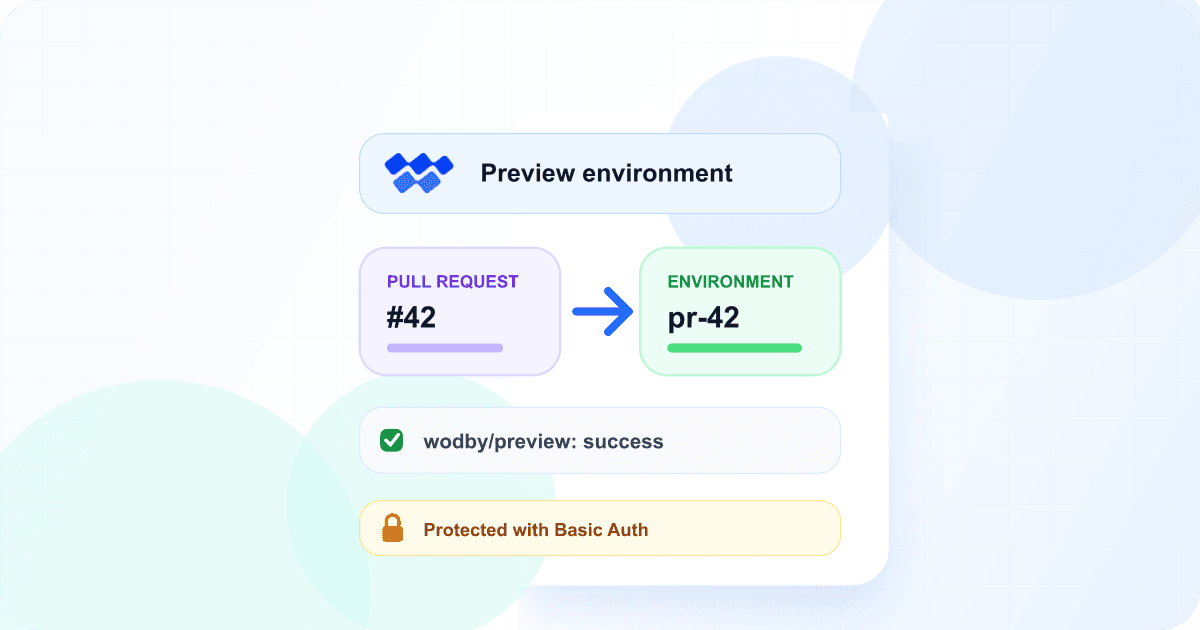
Wodby can now create a temporary environment for every pull request. It builds the change, posts the address back to the pull request, and deletes the environment when the pull request closes. Previews work with GitHub, GitLab, and Bitbucket.
Reading a diff tells you what changed, but not always how it behaves. To try a change in a running application, someone usually has to check out the branch, or share a staging environment and wait for their turn on it. Reviewers who don't run the code locally often can't try it at all.
With preview environments, each pull request gets its own running copy of your application on your cluster, with the same stack and configuration as the environment it was copied from. Nobody has to set it up, and nobody has to remember to remove it.
Previews follow the pull request
Open a pull request
Wodby copies your base environment, builds the pull request branch, and deploys it as a new environment.
Push new commits
Every push rebuilds the preview. A commit that arrives during a deployment is built when that deployment ends.
Close or merge
Wodby deletes the preview. Idle previews are also removed after the number of days you choose.
Wodby reports each deployment as a wodby/preview status on the commit it built, and keeps a single comment on the pull request up to date with the preview's state and address. If a preview can't be created, the comment says why.
A copy of your environment, sized for review
A preview copies the base environment's services, settings, variables, secrets, and links. A few things are different, so that previews stay small and don't get in the way of your real environments:
- Every service runs one replica, with autoscaling off.
- Cron jobs are off unless you turn them on, so a preview doesn't send duplicate emails or run scheduled work twice.
- Previews make no scheduled backups.
- Container databases are separate for each preview, and start with data only if you select them for seeding from a fresh backup of the base environment.
Protected by default
Basic Auth is on by default for new preview settings. Every preview of an app shares one generated password, and the pull request comment links to the sign-in details in Wodby instead of showing the password. Pull requests from forks never get a preview, because they could run untrusted code with your app's configuration.
Choose the base environment with care
Previews copy the base environment's variables and secrets, and seeded services get its data. Wodby shows a warning if you choose a production environment. A staging environment is usually the better base.
Create a preview when you want one
Draft pull requests don't get a preview unless you enable that, but you can still ask for one. Click New PR preview in the app's environments list, or comment on the pull request:
/wodby previewcreates a preview./wodby reseeddeletes the preview and creates it again with fresh seed data.
Only people with write access to the repository can run these commands. Agents connected through the Wodby MCP server can also list pull requests and create a preview, with your confirmation.
Available now
Preview environments are available on paid plans and are off by default. Open Apps → [App] → Settings → Preview environments, choose a base environment, and open a pull request. The base environment needs a service connected to a Git branch, public app access, and databases that run as containers in the environment. On Bitbucket, the integration's account also needs the Admin permission on the repository, and on GitLab the Maintainer role.
Read the preview environments documentation for every setting and requirement, or see the preview environments overview.