Product update
Introducing vulnerability scanning
Wodby now scans the container images your app environments run for known vulnerabilities, and shows which ones already have a fix. It is available on the Team and Enterprise plans, with nothing to install or add to your pipeline.
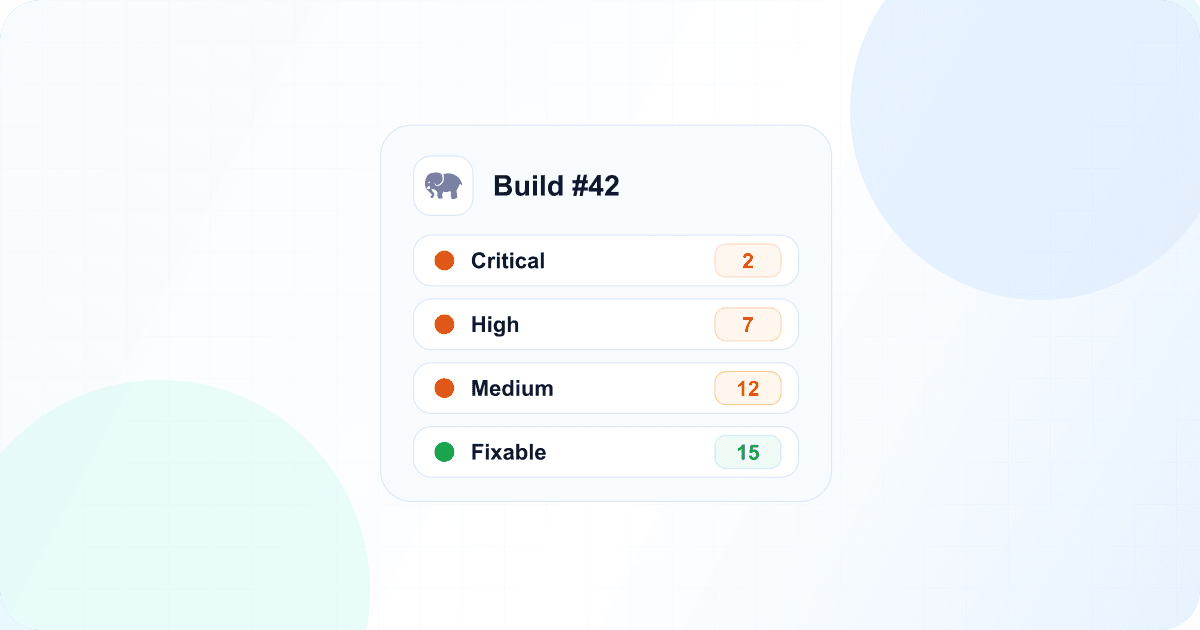
An image that was clean when you released it does not stay that way. New vulnerabilities are published every day against packages that are already running in production, and a scan that only runs in your build pipeline will not tell you about them until your next release.
So Wodby scans what is deployed and keeps scanning it. Once an app service runs a build image, Wodby scans it, then rescans it about once a day for as long as it stays deployed. A newly published vulnerability appears on the build without a rebuild.
What gets scanned
Wodby scans build images that enabled app services currently run, including derivatives such as workers and cron services. Results cover operating system packages and the application dependencies the scanner recognizes, such as Node.js, Python, PHP, Go, or Java packages. We use Grype and its vulnerability database, which collects advisories from Linux distributions, language ecosystems, and the National Vulnerability Database.
Where to see the results
List of builds
Each deployed build shows its vulnerability counts, colored by severity.
Build overview
The summary covers every image of the build that is currently deployed.
Vulnerabilities tab
Select an app service to see its full report, including fixed versions.
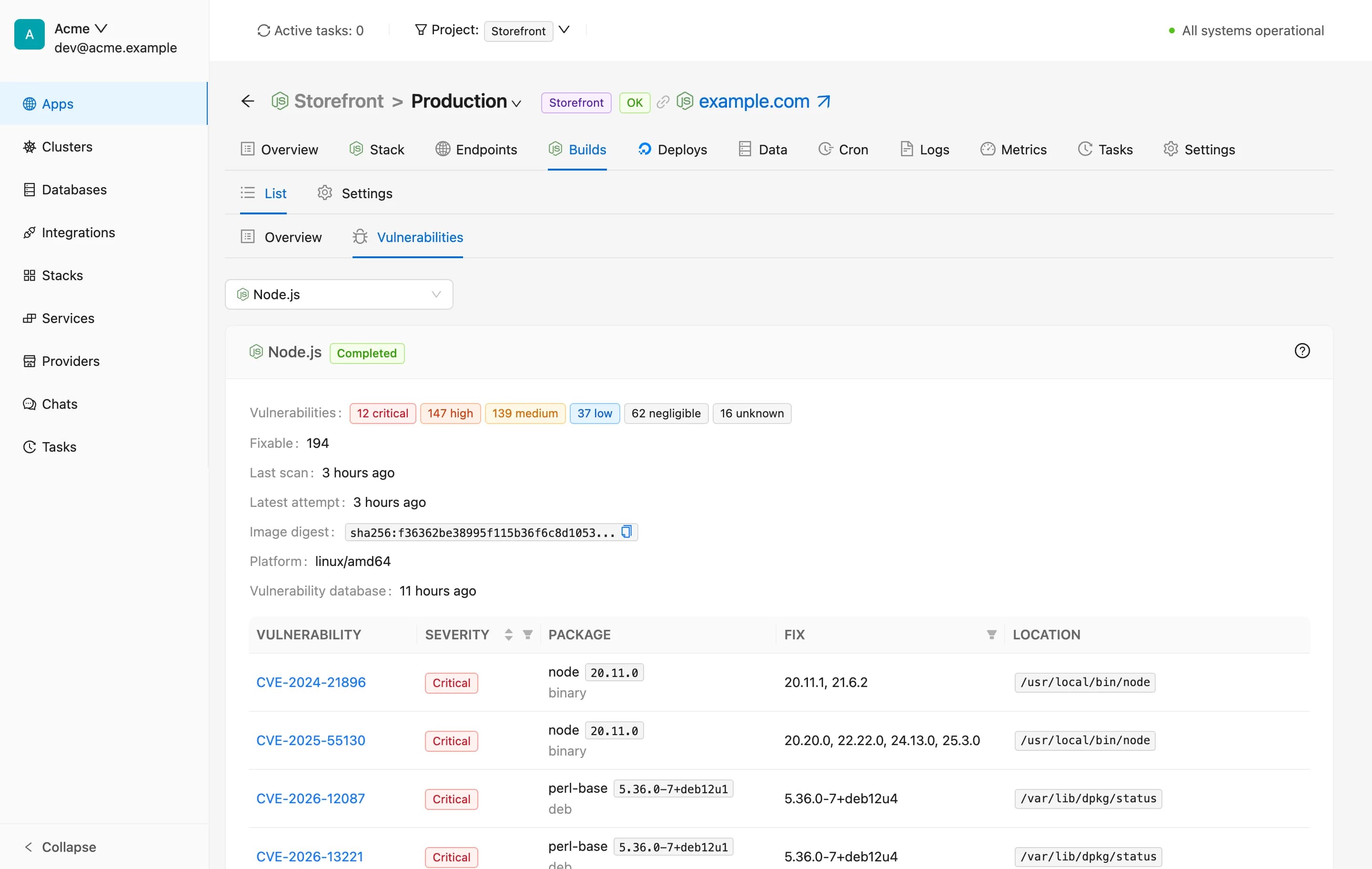
A report starts with the most severe and fixable findings, and you can filter it by severity or by whether a fix is available. Each finding shows the affected package and its location in the image, the fixed versions, and a link to the advisory. If a rescan fails, the report keeps the last good results and shows the reason, and Wodby retries automatically.
You also don't have to open every build to keep track. The weekly organization report lists deployed builds with critical or high vulnerabilities, and the REST API returns the same summaries.
What it does not do
Scanning reports known vulnerabilities in images built for your app services. Catalog images you run without a build, such as a database service, are not scanned, and neither your own code nor unpublished vulnerabilities are covered. It also does not block deployments or change your images: you decide what to fix and when, then build and deploy as usual, and Wodby scans the new image once it is deployed.
Available now
Scanning is already on for Team and Enterprise organizations, so your deployed builds need no setup. Open an app environment, go to Builds, and open a deployed build. Read the vulnerability scanning documentation for scan requirements and what to do when a scan fails.
Explore vulnerability scanning or compare plans.